


3DXploreMarket · Wallet Setup Guide
USDT Wallet Setup TRC-20 Beginner Guide: How to Receive 3DXploreMarket Payouts Without Losing Funds
Published July 5, 2026 · 8 min read · Wallet Setup Guide
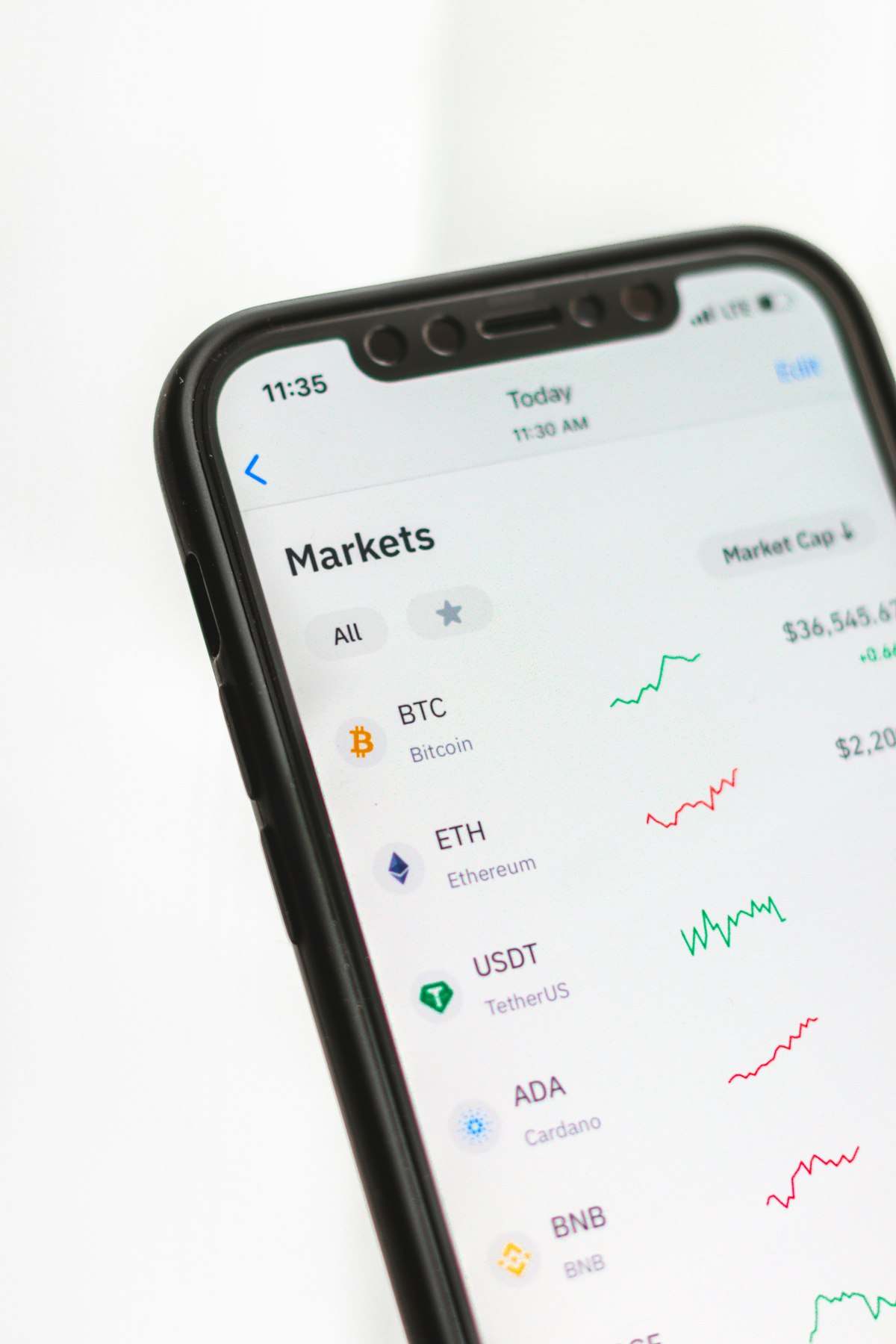
USDT wallet setup for TRC-20 is the first technical step every new 3DXploreMarket member must complete — and the one that causes the most anxiety for people who have never used a cryptocurrency wallet before. The anxiety is understandable: crypto transactions are irreversible, wrong addresses cannot be corrected after sending, and network mismatches result in permanent fund loss. This guide removes every point of confusion with precise, step-by-step instructions and the exact verification habits that prevent the most common costly errors.
Why TRC-20 Is the Recommended Network for USDT Wallet Setup
USDT exists on multiple blockchain networks — TRC-20 (TRON), BEP-20 (Binance Smart Chain), ERC-20 (Ethereum), and others. For 3DXploreMarket members in African and Southeast Asian markets, TRC-20 is recommended for three reasons: it has the lowest transaction fees (under $1 per transfer), the fastest settlement speed (under 60 seconds), and the widest compatibility with Binance P2P for local currency conversion — the primary way members convert USDT earnings back to naira, cedis, CFA, or other local currencies.
TRC-20 vs BEP-20 — USDT Wallet Setup Comparison
✅ TRC-20 (Recommended)
- Fees: Under $1 per transaction
- Speed: Under 60 seconds
- Address: Starts with T
- Wallets: Trust Wallet, Binance
✓ BEP-20 (Alternative)
- Fees: $0.10–$0.50
- Speed: Under 30 seconds
- Address: Starts with 0x
- Wallets: MetaMask, Trust Wallet
Critical: Never send TRC-20 USDT to a BEP-20 address or vice versa. Always match the network to the receiving address.
USDT Wallet Setup TRC-20 — Step-by-Step for Beginners
Download Trust Wallet from the official app store only
Search "Trust Wallet" in the Google Play Store or Apple App Store. Verify the publisher is "Trust Wallet" — the official verified developer. Download only from the official store listing. Never download from third-party links, WhatsApp shares, or websites. Fake wallet apps are the primary vector for crypto theft.
Create a new wallet and back up your 12-word seed phrase
Open Trust Wallet → Create New Wallet → You will be shown a 12-word seed phrase. Write these 12 words on paper in exact order. Store the paper in a secure physical location — not in a photo, not in a notes app, not in WhatsApp. This seed phrase is the only recovery mechanism for your wallet. Anyone who obtains it can access all funds. Do not share it under any circumstances.
Add USDT (TRC-20) to your wallet token list
In Trust Wallet: tap the toggle icon (top right) → search "USDT" → find "Tether USD (TRC20)" with the TRON logo → enable it. This adds TRC-20 USDT to your main wallet view. You will now see your USDT TRC-20 balance and receiving address.
Copy your TRC-20 receiving address and verify it starts with T
Tap on USDT (TRC20) → Receive. Your TRC-20 address is displayed as both a QR code and a text string. Tap to copy. Confirm the address begins with the letter T — this confirms it is a TRC-20 address. If it starts with 0x, you have selected BEP-20 by mistake.
Test your wallet setup with a small transaction before use
Before entering your wallet address anywhere — on 3DXploreMarket or on Binance — send a test transaction of $5 USDT TRC-20 from Binance to your Trust Wallet address. Confirm it arrives as TRC-20 USDT in Trust Wallet. Once confirmed, your USDT wallet setup is complete and verified for receiving 3DXploreMarket payouts.
The Four Absolute Rules for USDT Wallet Safety
Never share your seed phrase
No legitimate platform, support team, or community member will ever ask for your 12-word seed phrase. Any request for your seed phrase is a theft attempt — regardless of how official or urgent it appears.
Never type wallet addresses manually
Always use the copy button. One wrong character in a 34-character address makes it invalid or sends funds to a different wallet. Manual typing errors are unrecoverable.
Always send a test transaction to new addresses
$5 USDT to any new address before sending your full balance. This confirms the address is correct and active before the main transaction.
Always verify the network matches the address
TRC-20 addresses start with T. BEP-20 addresses start with 0x. Select the sending network in your wallet to match the receiving address type before every transaction.
Wallet Set Up — Now Activate Your AI Shop
Your TRC-20 USDT wallet is your income receiving account. Once set up correctly, every Saturday and Sunday payout from your 3DXploreMarket AI shop arrives there automatically.
Register — Generation 2 Open⚡ USDT wallet setup TRC-20 beginner guide — 3DXploreMarket Group Ltd, founded 2011, Kuala Lumpur. Crypto transactions are irreversible. Always verify before sending. Not financial advice.