


USDT TRC20 Withdrawals Explained: How 3DXM Pays Members Fast, Cheap, and Globally
If you have ever looked at an online earnings platform and wondered, how exactly do they get the money to me — and how long does it take? — you are asking the right question. The payout method behind any digital commerce platform tells you almost everything you need to know about how serious it is, how global it can be, and how easily you can actually use what you earn.
At 3D XploreMarket (3DXM), every member withdrawal is paid in USDT on the TRC20 network. That single sentence carries a lot of meaning if you understand it — and almost none if you don't. So this guide breaks it down completely, in plain language, so that by the time you finish reading, you will know:
- What USDT actually is and why it is called a "stablecoin"
- What "TRC20" means and why 3DXM chose the TRON network
- How a USDT TRC20 withdrawal flows from 3DXM to your personal wallet
- How fast withdrawals arrive and what they typically cost
- The difference between TRC20, ERC20, and BEP20 — and why mixing them up can be expensive
- A step-by-step walkthrough of your first withdrawal
- The most common mistakes new members make, and how to avoid them
This is written for new prospects evaluating 3DXM who want to understand the financial plumbing before they commit. No hype. No jargon for the sake of jargon. Just a clear picture of how your money moves.
Why Payment Method Matters More Than You Think
Before we touch a single technical term, let's establish why this conversation is worth your time.
Most people considering an online earning opportunity focus almost entirely on the front end: how much can I earn, how fast, and from what activity? Those are fair questions. But the back end — the moment when earnings need to leave the platform and land in your hands — is where many platforms quietly fall apart.
Traditional payment rails were not built for a global, internet-native member base. A bank wire from one continent to another can take three to five business days, cost $25 to $50 in fees, get held up by intermediary banks, or be rejected outright because of cross-border compliance flags. PayPal and similar services aren't available in many countries, freeze accounts without warning, and charge currency conversion margins on top of their visible fees. Local mobile money systems work beautifully within a country but rarely across borders.
Now imagine running a platform with members in over 150 countries. You need a payout method that:
- Works the same way everywhere on Earth
- Settles in minutes, not days
- Costs cents, not dollars, per transfer
- Doesn't lose value while it sits in transit
- Doesn't depend on any single bank or government to function
That is the problem stablecoins were invented to solve. And among stablecoins, USDT on TRC20 has emerged as one of the most practical answers in the world today.
What Is USDT?
USDT is short for Tether USD. It is a stablecoin — a type of cryptocurrency designed to hold a steady value of one US dollar per coin. One USDT is intended to equal one US dollar, and the issuer (Tether) maintains reserves intended to back every coin in circulation.
The key word here is stable. Most cryptocurrencies are famous for going up and down dramatically. Bitcoin can swing 5% in an afternoon. That kind of volatility is exciting for traders but terrible for payments. If you earned $100 in Bitcoin on Monday and tried to spend it on Friday, you might find it is suddenly worth $92 — or $108. Either way, it is not a reliable unit of payment.
USDT removes that uncertainty. Whether you withdraw today or two weeks from today, your 100 USDT is still worth approximately 100 US dollars. That predictability is exactly why platforms, freelancers, exporters, and global workers have made USDT one of the most-used digital assets in the world. According to public on-chain data, USDT consistently ranks at or near the top of cryptocurrencies by daily transaction volume — often surpassing Bitcoin itself in raw dollar throughput.
What Is TRC20?

Now we get to the second half of the term: TRC20.
A stablecoin like USDT does not live in just one place. It exists on multiple blockchain networks, and each network has its own technical standard. Think of it the way an email address can be hosted by Gmail, Yahoo, or a corporate server — the email itself is the same kind of thing, but the underlying infrastructure differs.
Here are the three most common networks USDT runs on:
| Network | Token Standard | Common Name | Speed | Typical Fee |
|---|---|---|---|---|
| TRON | TRC20 | "USDT TRC20" | Seconds to minutes | ~$1 or less |
| Ethereum | ERC20 | "USDT ERC20" | Minutes | Often $5–$30+ |
| BNB Chain | BEP20 | "USDT BEP20" | Seconds to minutes | Usually under $1 |
TRC20 simply means "USDT issued on the TRON blockchain." The TRON network is known for two things that matter enormously for member payouts: it is fast and it is cheap. A TRC20 transfer typically settles in under a minute and costs a fraction of a dollar — sometimes effectively free, depending on network conditions.
That is why 3DXM, like many globally-distributed platforms, defaults to USDT on TRC20. It is the combination of stability (the USDT side) and efficient delivery (the TRC20 side) that makes member withdrawals practical at scale.
How a 3DXM Withdrawal Actually Works
Let's walk through what happens, step by step, when you request a withdrawal on 3DXM.
Step 1: You Earn
Through the 3DXM platform, your earnings accumulate in your member dashboard in USDT — already denominated in dollars, already stable, already ready to move. There is no conversion step from "platform points" to "real money." Your balance is the money.
Step 2: You Submit a Withdrawal Request
When you are ready to take some or all of your earnings off the platform, you go to the withdrawal section of your dashboard and enter:
- The amount you want to withdraw
- Your USDT TRC20 wallet address (this is yours, not 3DXM's — more on this below)
You confirm the request. That's it from your side.
Step 3: 3DXM Processes the Request
3DXM reviews and approves the request, then initiates an on-chain transfer of USDT to the wallet address you provided. You receive a confirmation, typically including a transaction hash — a unique ID that lets you independently verify the transfer on the public TRON blockchain.
Step 4: Funds Arrive in Your Wallet
The TRON network confirms the transaction, usually within a minute or two of being broadcast. Your personal wallet balance updates, and the funds are now entirely under your control. From there, you can hold them, send them to someone else, swap them into another currency, move them to an exchange to convert into your local currency, or spend them with merchants that accept USDT directly.
The whole journey — from "request" to "funds in your wallet" — is normally completed quickly once approved, with the on-chain portion itself taking only minutes. Exact timing depends on the platform's processing schedule and network conditions on the day, but compared to traditional banking, the experience is dramatically faster.
What You Need on Your Side: A USDT TRC20 Wallet
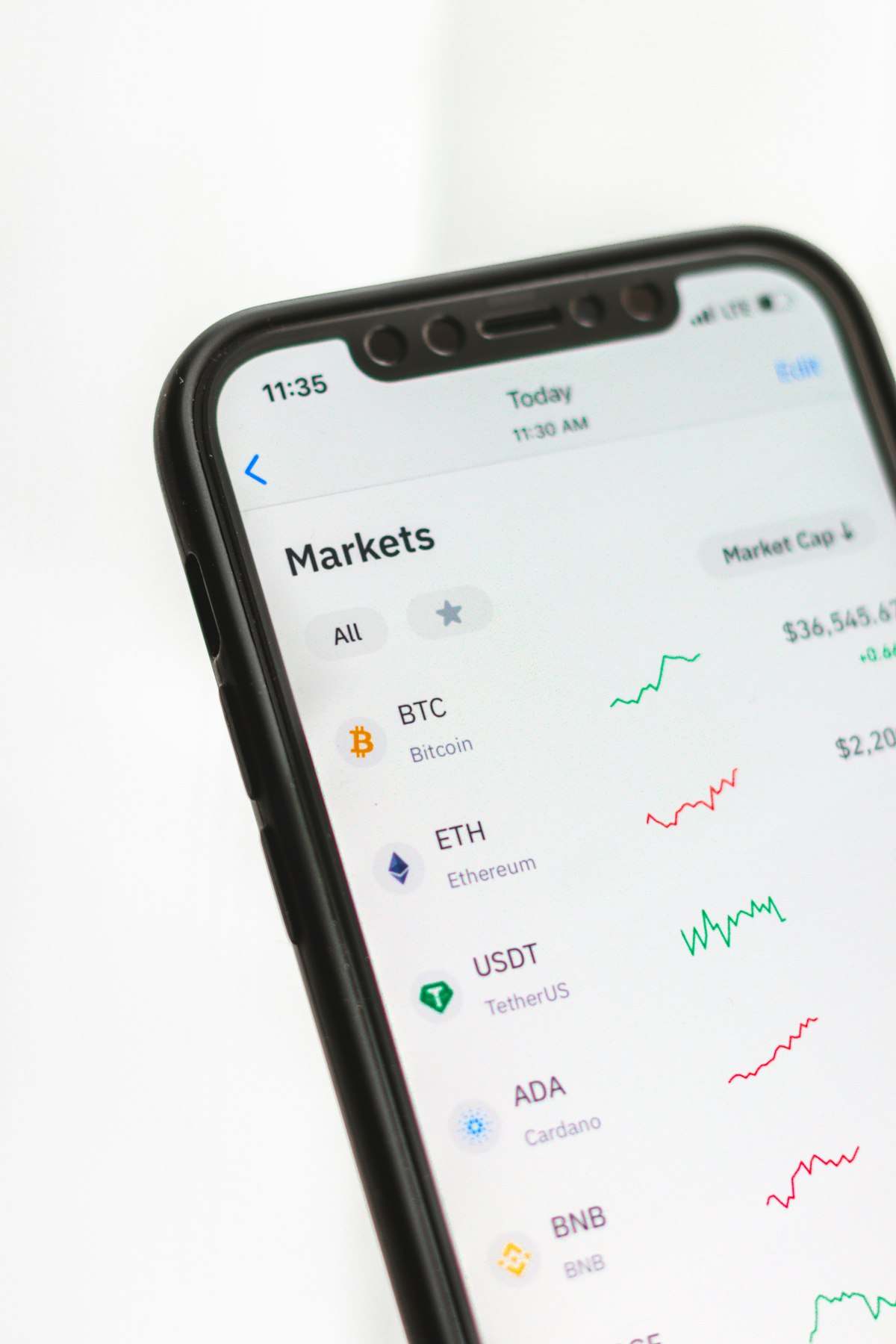
To receive a TRC20 withdrawal, you need a place for the USDT to land. That place is called a wallet.
There are two broad categories:
Self-custody wallets are apps you install (or browser extensions) where you hold the private keys. Examples include Trust Wallet, TronLink, and many others. The advantage is full control — no one else can freeze or seize your funds. The responsibility is also yours: if you lose your recovery phrase, no one can recover it for you.
Exchange wallets are accounts on platforms like Binance, Bybit, OKX, KuCoin, and similar. When you sign up, the exchange gives you a deposit address for USDT TRC20. The advantage is convenience and easy conversion to your local currency. The trade-off is that the exchange technically holds the funds on your behalf, and access depends on your account being in good standing with that exchange.
Both work fine for receiving 3DXM withdrawals. The choice is about your own preference for control versus convenience.
TRC20 vs ERC20 vs BEP20: Why Picking the Wrong One Can Cost You
This is the single most expensive mistake new crypto users make, and it is worth a careful read.
USDT exists on multiple networks, and the same wallet provider often gives you a different address for each network. They might look almost identical at a glance, but they are not interchangeable. Sending TRC20 USDT to an ERC20 address is like mailing a letter to the right house number on the wrong street in the wrong city — it does not arrive, and getting it back ranges from difficult to impossible depending on the receiving wallet.
Here is how to tell the networks apart at a glance:
- A TRC20 address starts with the letter T (for example,
T9zYx…) - An ERC20 address starts with 0x (for example,
0x4f…) - A BEP20 address also starts with 0x (it shares Ethereum's address format)
Because ERC20 and BEP20 look identical, the only way to know which network an address belongs to is to look at how the wallet labelled it when it was generated.
- The address you copied is from the TRC20 section of your wallet
- It starts with the letter T
- It is the receive address for USDT specifically, not another token
What About Fees?
Two fees are worth understanding.
The network fee (sometimes called "gas") is the cost of using the TRON network to broadcast and confirm your transaction. On TRC20, this is generally very small — frequently under a dollar, sometimes effectively zero depending on how the platform is set up. This is one of the main reasons TRC20 was chosen.
The withdrawal fee, if any, is set by 3DXM itself and would be disclosed at the time you submit a withdrawal request. Always read the actual figures shown in your dashboard at the moment of withdrawal — that is the source of truth.
The combination of low network fees and stable-value USDT is what makes small, frequent payouts economically viable. On a system where every transfer cost $30, it would not make sense to withdraw $50. On TRC20, even small amounts move efficiently.
Step-by-Step: Your First USDT TRC20 Withdrawal
Here is the entire process, condensed into a checklist you can follow on your first try.
- Set up a USDT TRC20 wallet. Choose either a self-custody wallet (Trust Wallet, TronLink) or an exchange account. Create the account and complete any verification it requires.
- Generate your TRC20 receive address. Inside the wallet, find USDT, choose "Receive," and select the TRON (TRC20) network. Copy the address. It should start with T. Many wallets also display a QR code — useful, but the text address is what you will actually paste.
- Send a tiny test, if possible. If you are receiving a meaningful amount for the first time, some members like to start with a small first withdrawal to confirm everything works end-to-end before moving larger sums. This is optional, but it's a habit experienced crypto users keep for life.
- Log in to 3DXM. Go to your member dashboard and open the withdrawals section.
- Enter the amount and paste your address. Paste the address — never type it manually. Triple-check the first four and last four characters match what your wallet shows.
- Confirm the request. Submit and wait for confirmation. You should receive a transaction hash once the on-chain transfer is sent.
- Verify on-chain (optional but empowering). You can paste the transaction hash into a public TRON explorer such as