


3DXploreMarket · Conversion Guide
The Ultimate Mobile Money to USDT Conversion Guide for 2026
Published July 2026 · 12 min read
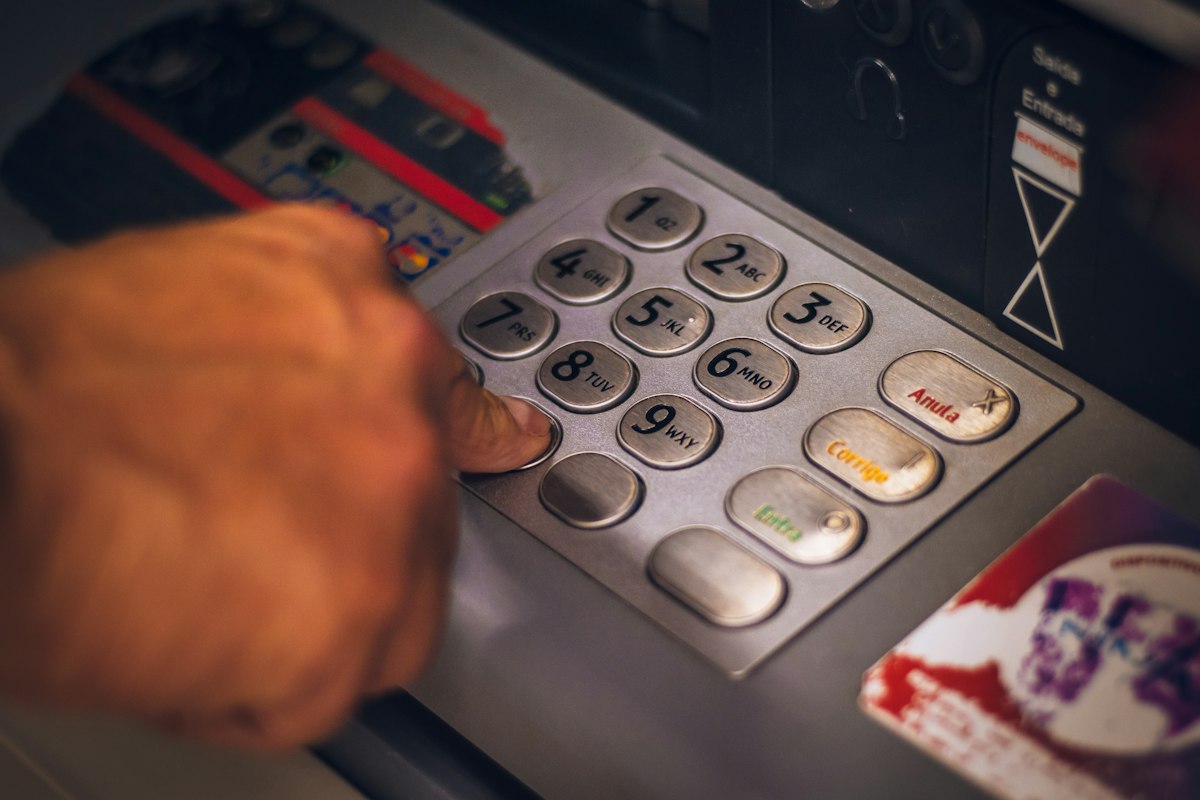
This mobile money to USDT conversion guide exists because mobile wallets, not traditional bank accounts, are how the majority of everyday transactions happen across most African markets today. Whether you use M-Pesa in Nairobi, MTN Mobile Money in Accra or Kampala, Airtel Money in Lusaka, or Orange Money in Douala, this reference walks through exactly how each network connects to Binance P2P so you can acquire and later convert back USDT with confidence.
Getting comfortable with this process once means every future transaction becomes routine. The steps described here apply whether you are funding a first VIP license or converting a weekly cycle payout back into cash for everyday spending.
Why Binance P2P Is the Bridge Between Local Wallets and Digital Dollars
Binance's peer-to-peer marketplace connects ordinary buyers and sellers directly, with Binance holding the crypto side in escrow until payment is confirmed. This structure is what allows someone in Nairobi holding Kenyan shillings in an M-Pesa wallet to purchase USDT from a verified seller without either party needing a traditional bank account or an international wire transfer. The seller receives local currency through the mobile wallet they specified, and the buyer receives USDT released automatically from escrow the moment payment is confirmed.
This peer-to-peer structure explains why the process works so consistently across different countries and different mobile payment providers: the underlying mechanism is identical everywhere, only the specific local payment method named on each listing changes from country to country.
Understanding this shared mechanism means that once you have completed one successful transaction using your preferred mobile wallet, every subsequent transaction — buying more USDT later, or eventually selling USDT back to local currency after a weekly cycle payout — follows exactly the same pattern you have already learned.
Mobile Wallet Networks Supported for USDT Purchases
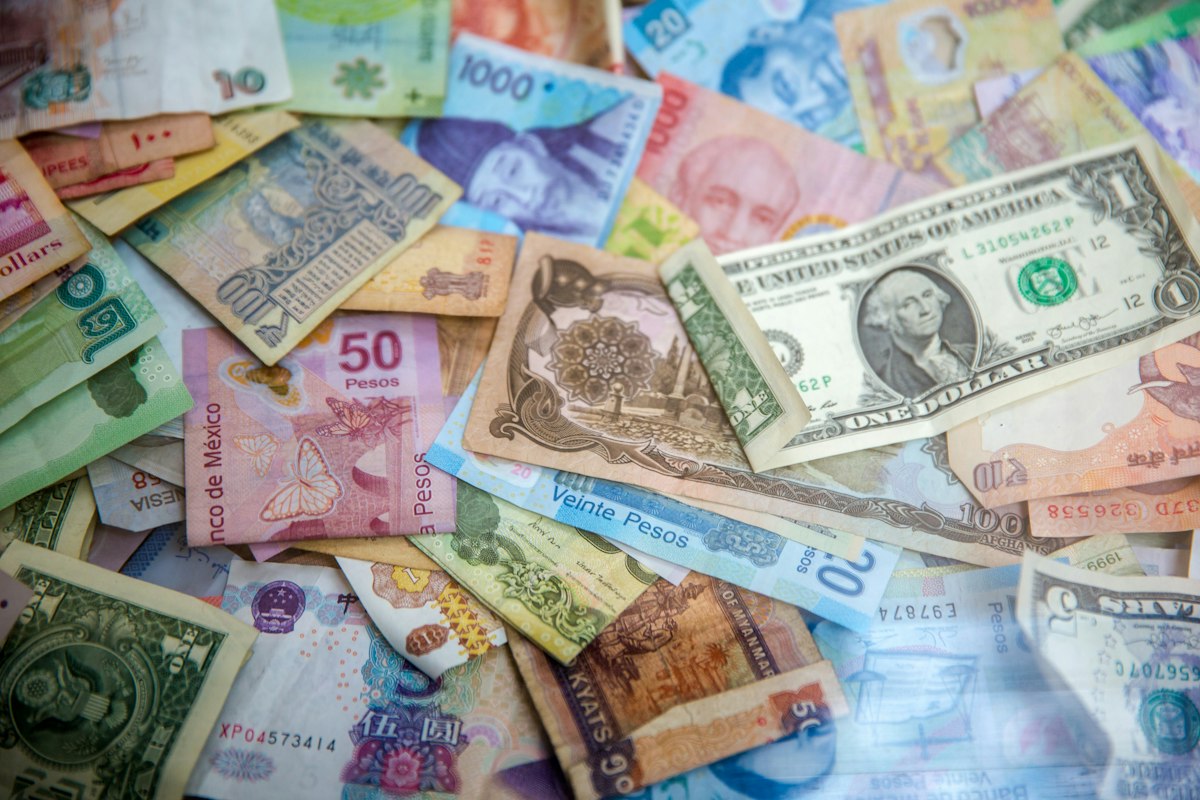
Step-by-Step: Completing Your First Mobile Wallet to USDT Purchase
The first step in any mobile money to USDT conversion guide is completing identity verification on Binance, since this is a legal requirement before P2P trading is unlocked. Download the Binance app, register with your email or phone number, and complete the KYC process using your national identity document or passport. This verification typically completes within ten to twenty minutes for most African users.
Once verified, navigate to the P2P section, select Buy USDT, and filter the results by your local currency and your specific mobile wallet provider. You will see a list of sellers, each showing their completion rate, total number of trades, and current price. Choosing a seller with a high completion rate and a substantial trading history reduces the chance of any delay or dispute.
Place your order for the amount you need, then follow the on-screen instructions to send payment through your mobile wallet app directly to the seller's registered number. Once you have sent payment, mark the order as paid within the Binance app. The seller then confirms receipt, and USDT is released automatically from escrow into your Binance wallet, usually within fifteen to thirty minutes for an active, well-rated seller.
The reverse process, converting USDT back to your local mobile wallet, follows the identical pattern in the opposite direction: select Sell USDT, filter by buyers accepting your mobile wallet provider, complete the trade, and receive local currency directly into your mobile wallet within a similar timeframe.
Country-Specific Notes Worth Knowing
Kenyan and Tanzanian users transacting through M-Pesa will typically find the deepest liquidity and the fastest trade completion times of any network covered in this guide, reflecting the sheer scale and maturity of M-Pesa's user base across East Africa. Ghanaian, Ugandan, and Cameroonian users relying on MTN Mobile Money benefit from that network's presence across multiple countries simultaneously, which tends to produce a healthy number of active P2P sellers at competitive rates.
Zambian and Ugandan Airtel Money users should expect slightly thinner liquidity than the M-Pesa or MTN markets, meaning it may occasionally take a little longer to find a seller at your desired price, particularly for larger transaction amounts. Cameroonian and Francophone West African Orange Money users will find a smaller but consistently active market, well suited to the transaction sizes typical of most VIP license activations.
Regardless of which network applies to you, patience with the first transaction pays off. Once you have completed one successful trade and understand the rhythm of the process, every future purchase or sale becomes a routine few minutes of activity rather than something requiring careful thought each time.
Avoiding Common Mistakes on Your First Trade
The most common error first-time users make is sending payment through the wrong mobile wallet number, typically by misreading a digit from the seller's provided details. Always copy the number directly rather than retyping it manually, and double-check it against the order details before confirming payment through your mobile wallet app.
A second common mistake is failing to include any payment reference or note the seller requests, which can delay their ability to match your incoming payment to your specific order. If a seller's instructions ask you to include a reference code in the mobile money transaction note, always include it exactly as specified.
A third mistake is marking an order as paid before the mobile money transfer has actually completed successfully. Wait for your mobile wallet app to confirm the transfer went through before marking the Binance order as paid, since marking it prematurely can create confusion and unnecessary delay if the underlying transfer has not actually gone through yet.
Sharing This Mobile Money to USDT Conversion Guide With Your Team
If you are building a team on 3DXploreMarket, this mobile money to USDT conversion guide is one of the most useful pieces of educational content you can share with new team members, since acquiring USDT is genuinely the first practical hurdle every new person faces before they can activate any license at all. Walking a new team member through this mobile money to USDT conversion guide personally, rather than simply pointing them toward it, builds trust and confidence far more effectively than any promotional message could.
Team leaders who take the time to personally support each new member through their first transaction using this mobile money to USDT conversion guide tend to see considerably stronger retention among their team than those who leave new members to figure the process out entirely on their own. The five or ten minutes spent guiding someone through their first trade often determines whether they stay engaged with the platform at all.
Consider keeping a saved copy of this mobile money to USDT conversion guide, or the link to it, ready to send whenever a new team member joins under you, so the very first practical step they need to take is already clearly explained before they even ask the question.
What to Do If Your First Trade Does Not Go Smoothly
Occasionally a first trade using this mobile money to USDT conversion guide does not go perfectly on the first attempt, and this is completely normal. If a seller is slow to respond, Binance's own chat function within the order screen allows you to message them directly and ask for an update before considering opening a formal dispute.
If a trade genuinely stalls with no response at all, cancelling the order and selecting a different, more active seller is usually faster than waiting indefinitely. This does not reflect any problem with the process itself, simply a mismatch with one particular seller on that occasion.
Members who encounter any confusion during their first attempt at using this mobile money to USDT conversion guide are always welcome to ask questions in the Telegram community, where experienced members are typically quick to help newcomers work through any specific issue they encounter.

Staying Safe While Following This Process
Any guide covering the movement of money between a mobile wallet and a digital asset exchange should address safety directly. Always transact only within the official Binance app itself, never through a third party claiming to facilitate the trade on your behalf outside the platform. Anyone offering to complete this mobile money to USDT conversion guide's steps for you in exchange for your mobile money PIN or your Binance login details is attempting fraud, and no legitimate seller or support agent will ever ask for either of these.
Only ever select sellers with an established trading history and a strong completion rate visible directly within the Binance P2P interface. New or unrated sellers occasionally appear with attractively low prices specifically to lure inexperienced users into unsafe trades outside the platform's built-in escrow protection.
Following the process exactly as described in this mobile money to USDT conversion guide, using only Binance's own in-app chat and payment confirmation system, keeps the built-in escrow protection active throughout, which is what ultimately protects both your mobile money funds and your incoming USDT from any dispute.
Frequently Asked Questions
How long does a typical trade take from start to finish? Most trades using an active, well-rated seller complete within fifteen to thirty minutes from placing the order to USDT appearing in your Binance wallet.
What if a seller does not confirm my payment? Binance provides a dispute resolution process directly within the app. If a seller does not respond within the allotted time after you have marked payment as sent, you can open a dispute and Binance support will investigate using the evidence both parties provide.
Are there fees for using mobile money to buy USDT? Your mobile network provider may charge a standard transaction fee for sending money, separate from Binance's own P2P fee structure, which is typically built into the exchange rate offered rather than charged separately.
Key Platform Facts
- Founded: 2011 · CEO: Alice Kahzisky · HQ: Kuala Lumpur, Malaysia
- Members: 375,000+ across 150+ countries · Generation 2 open until 2034
- Withdrawals: Every Saturday and Sunday · Network: TRC-20 and BEP-20 USDT
- Trustpilot rating: 4.8★ from 347+ independent reviews
- License tiers from $75 (VIP 1) through $7,000 (VIP 6)
Members across every African market covered in this mobile wallet conversion process share their experiences openly at Trustpilot. Complete your first purchase directly through Binance P2P. Once you have USDT ready, review our companion piece on setting up your receiving wallet correctly before making your first deposit.
Complete Your First Conversion Today
Register with code 3DXMAI, convert your mobile wallet balance to USDT, and activate your first license. Generation 2 is open until 2034.
Register — Generation 2 OpenTelegram: @dxploremarketofficial
⚡ Mobile money to USDT conversion guide — 3DXploreMarket Group Ltd, founded 2011, Kuala Lumpur. Not financial advice. Past results do not guarantee future returns.