


3DXploreMarket · USDT Onboarding
Binance P2P USDT Africa Guide 2026: How to Buy and Sell USDT With Your Local Currency
Published July 5, 2026 · 9 min read · USDT Onboarding Guide
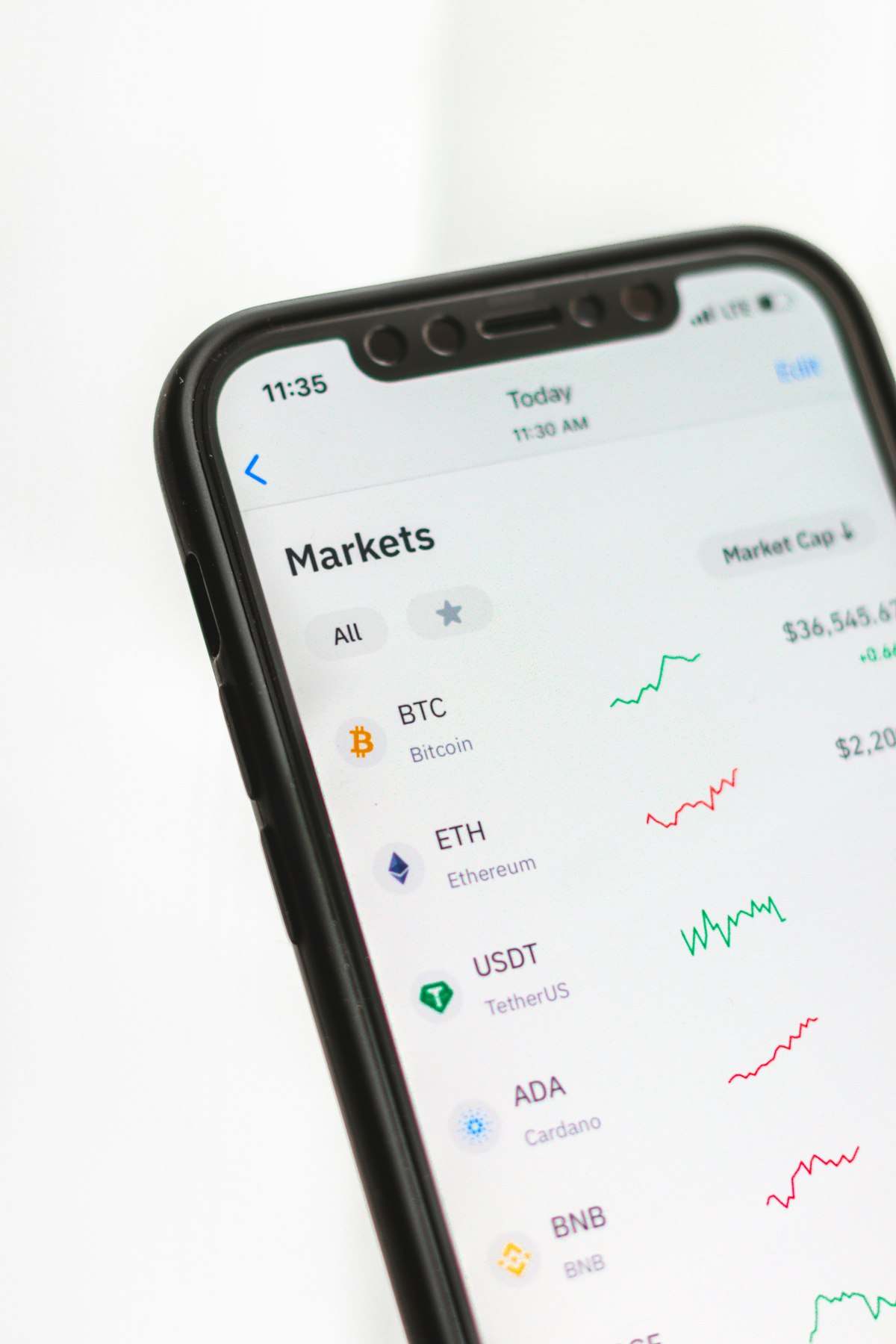
Binance P2P is the primary bridge between African local currencies and USDT for 3DXploreMarket members across Nigeria, Ghana, Cameroon, Kenya, and a growing number of additional African markets. Understanding how to use Binance P2P correctly — both for buying USDT to fund a license and for selling USDT earnings back to local currency — is an essential practical skill for any African member. This guide covers the complete process with market-specific payment method information for each major African market.
What Binance P2P Is and Why It Matters for USDT in Africa
Binance P2P (peer-to-peer) is a marketplace within the Binance app where individual buyers and sellers trade USDT directly with each other — bypassing the need for traditional bank foreign exchange services. The seller receives payment from the buyer in local currency through a payment method they both agree on (mobile money, bank transfer, cash deposit), and Binance holds the USDT in escrow until the seller confirms payment receipt. Once confirmed, USDT is released to the buyer's Binance wallet instantly.
This mechanism gives African users access to USDT at near-market rates without needing a foreign currency bank account, an international payment card, or access to a cryptocurrency exchange that accepts their local currency directly. It is the reason USDT adoption in sub-Saharan Africa has grown faster than almost any other global region — the on-ramp is practical, accessible, and requires only a smartphone and a mobile money account.
Binance P2P USDT Africa — Payment Methods by Country
| Country | Local Currency | Accepted P2P Payment Methods | P2P Volume |
|---|---|---|---|
| 🇳🇬 Nigeria | Naira (NGN) | Bank transfer, Zenith, GTBank, Access Bank, Opay, Palmpay | 🔥 Very High |
| 🇬🇭 Ghana | Cedi (GHS) | MTN MoMo, Vodafone Cash, AirtelTigo Money, GCB Bank | High |
| 🇨🇲 Cameroon | CFA Franc (XAF) | Orange Money, MTN MoMo, Ecobank, Afriland First Bank | Medium |
| 🇰🇪 Kenya | Shilling (KES) | M-Pesa, bank transfer, Equity Bank, KCB Bank | High |
| 🇿🇦 South Africa | Rand (ZAR) | Bank transfer, FNB, Standard Bank, Nedbank, Capitec | High |
How to Buy USDT on Binance P2P in Africa — Step by Step
Step 1 — Set up and verify your Binance account
Download Binance → Create Account → Complete KYC with national ID or passport → Enable two-factor authentication (2FA) using Google Authenticator or SMS. KYC approval typically takes 10–30 minutes for most African countries.
Step 2 — Navigate to P2P Trading
Tap the 3-line menu → Trade → P2P Trading. Or: Tap Buy Crypto → P2P. Ensure you are on the "Buy" tab. Select USDT as the cryptocurrency. Your local currency will appear automatically based on your registered country.
Step 3 — Select a verified seller
Filter results by your preferred payment method (MTN MoMo, bank transfer, etc.). Choose sellers with: 500+ completed trades, 98%+ completion rate, and response time under 15 minutes. These are the reliability indicators that matter most. Read seller reviews if available. Never trade with sellers who request communication outside the Binance platform.
Step 4 — Place your order and make payment
Enter the USDT amount you wish to buy. Binance shows the local currency equivalent at the seller's rate. Click Buy → the seller's payment details appear. Transfer the exact amount shown using your bank or mobile money app. Mark "Transfer Completed" in Binance ONLY after you have confirmed the payment was sent. Never mark as completed before actual transfer.
Step 5 — Receive USDT in your Binance wallet
After the seller confirms your payment, Binance releases USDT to your Funding Wallet automatically. Transfer to your Spot Wallet if needed for withdrawal to an external address (like Trust Wallet for 3DXploreMarket platform deposits).
How to Sell USDT on Binance P2P After Your 3DXploreMarket Withdrawal
After withdrawing cycle earnings from 3DXploreMarket to your Binance wallet or Trust Wallet, converting back to local currency follows the reverse process: navigate to P2P → Sell → USDT → select buyers using your preferred payment method (who will pay into your bank account or mobile money). Choose a buyer with 500+ trades and high completion rate. Once you confirm their payment has arrived, release the USDT from escrow. The full process — from withdrawal to local currency in your bank — typically takes under 30 minutes.
Binance P2P Safety Rules for African Members
Never release USDT before payment is confirmed in your account. "I have made the payment" messages from buyers are not confirmation. Only release after you physically verify receipt in your bank or mobile money app.
Never communicate outside Binance's chat system. Requests to move to WhatsApp or Telegram are scam tactics designed to remove the dispute resolution protection Binance provides.
Use the Binance dispute system if anything goes wrong. Binance's P2P dispute team reviews transaction evidence and releases funds to the legitimate party. The escrow system exists specifically to protect both sides of every trade.
Buy Your First USDT — Then Start Your AI Commerce Cycle
Binance P2P makes USDT acquisition accessible across all major African markets. From $75 USDT, your first 3DXploreMarket AI commerce cycle begins within minutes of license activation.
Register — Generation 2 Open⚡ Binance P2P USDT Africa guide 2026 — 3DXploreMarket Group Ltd, founded 2011, Kuala Lumpur. P2P trading involves counterparty risk. Always use Binance escrow and dispute systems. Not financial advice.