


3DXploreMarket · Step-by-Step Guide
How to Withdraw USDT From 3DXploreMarket: The Complete Saturday and Sunday Payout Guide
Published July 5, 2026 · 8 min read · Member Guide
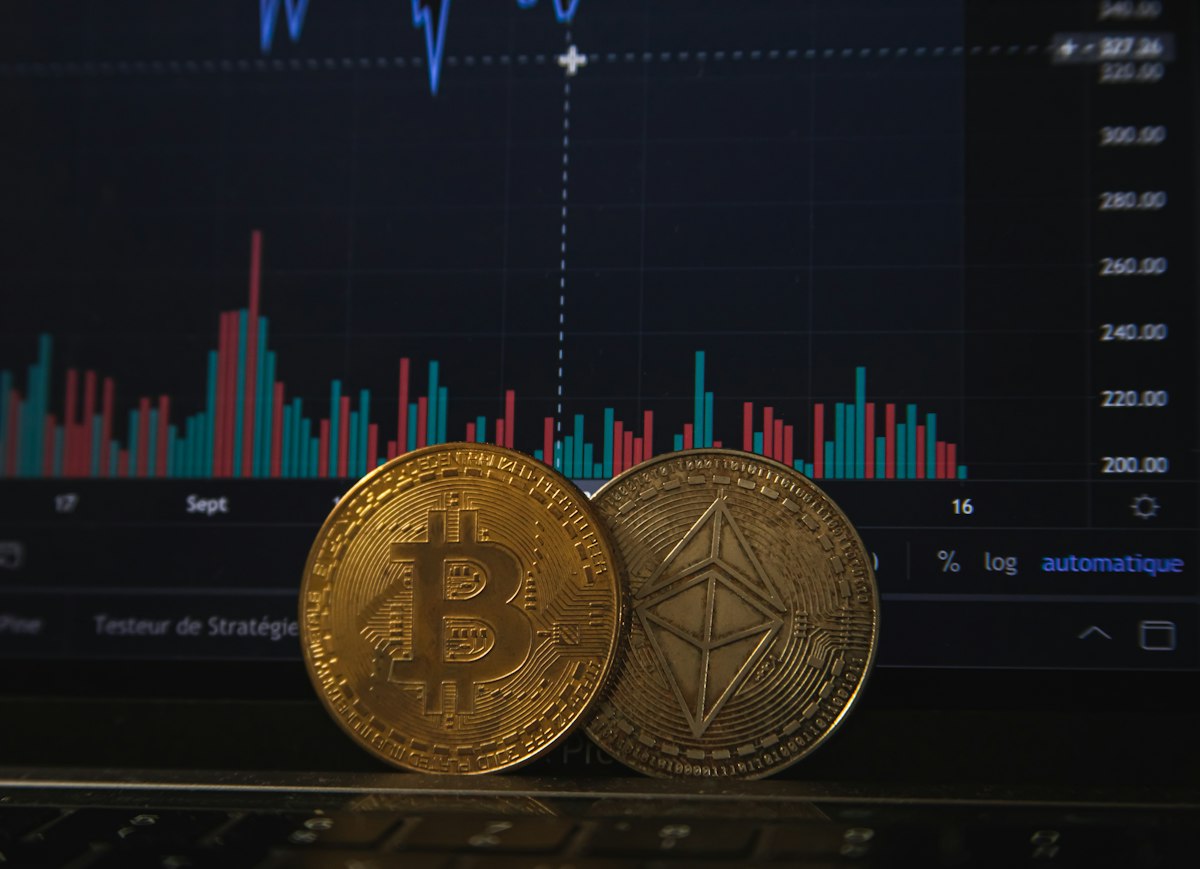
The withdrawal process is the moment of truth for any digital income platform. Everything before it — the cycle earnings, the dashboard numbers, the referral commissions — is accounting. Withdrawal is when the income becomes real: USDT leaving the platform and arriving in your personal wallet, ready to spend, convert, or reinvest as you choose. This guide walks through the complete withdrawal process for 3DXploreMarket members from dashboard to wallet, including every decision point and the most common errors to avoid.
When Withdrawals Are Available
3DXploreMarket processes member withdrawals every Saturday and Sunday. This schedule applies to all member tiers across all countries and time zones. If you complete a 7-day cycle mid-week, your earnings accrue in your dashboard balance and become withdrawable on the following Saturday or Sunday — not immediately upon cycle completion.
Withdrawal Schedule — Key Facts
Step-by-Step Withdrawal Process
Confirm your wallet address before Saturday
The most critical step happens before withdrawal day. Open your USDT wallet (Trust Wallet or Binance recommended) and copy your receiving address for either TRC-20 or BEP-20 — depending on which network you plan to use. Verify it is exactly correct. USDT transactions are irreversible on blockchain — a wrong address means permanent loss of funds.
Log into your 3DXploreMarket dashboard
Access your member dashboard at 3dxploremarket.com using your registered email and password. Confirm that your available balance reflects the cycle earnings you expect — check that the last cycle has fully completed and earnings have been credited before initiating a withdrawal request.
Navigate to the Withdrawal section
Find the withdrawal option within your dashboard. You will be asked to select your preferred network (TRC-20 or BEP-20), enter your wallet address, and specify the amount you wish to withdraw. If this is your first withdrawal, TRC-20 is the recommended network — it has the lowest transaction fees and the widest compatibility with Binance for local currency conversion.
Double-check the wallet address and network before confirming
Before clicking confirm, verify three things: that the wallet address matches exactly what you copied from your wallet application, that the selected network (TRC-20 or BEP-20) matches the network your wallet address belongs to, and that the amount is correct. A TRC-20 USDT sent to a BEP-20 address — or vice versa — will result in funds that are extremely difficult or impossible to recover.
Submit and verify arrival in your wallet
After submission, open your wallet application and monitor for the incoming transaction. USDT on TRC-20 typically confirms within 1–3 minutes. If you do not see the transaction within 30 minutes, check the blockchain explorer for your network (Tronscan for TRC-20, BscScan for BEP-20) to verify the transaction status using your wallet address.
Optional — Convert to local currency via Binance P2P
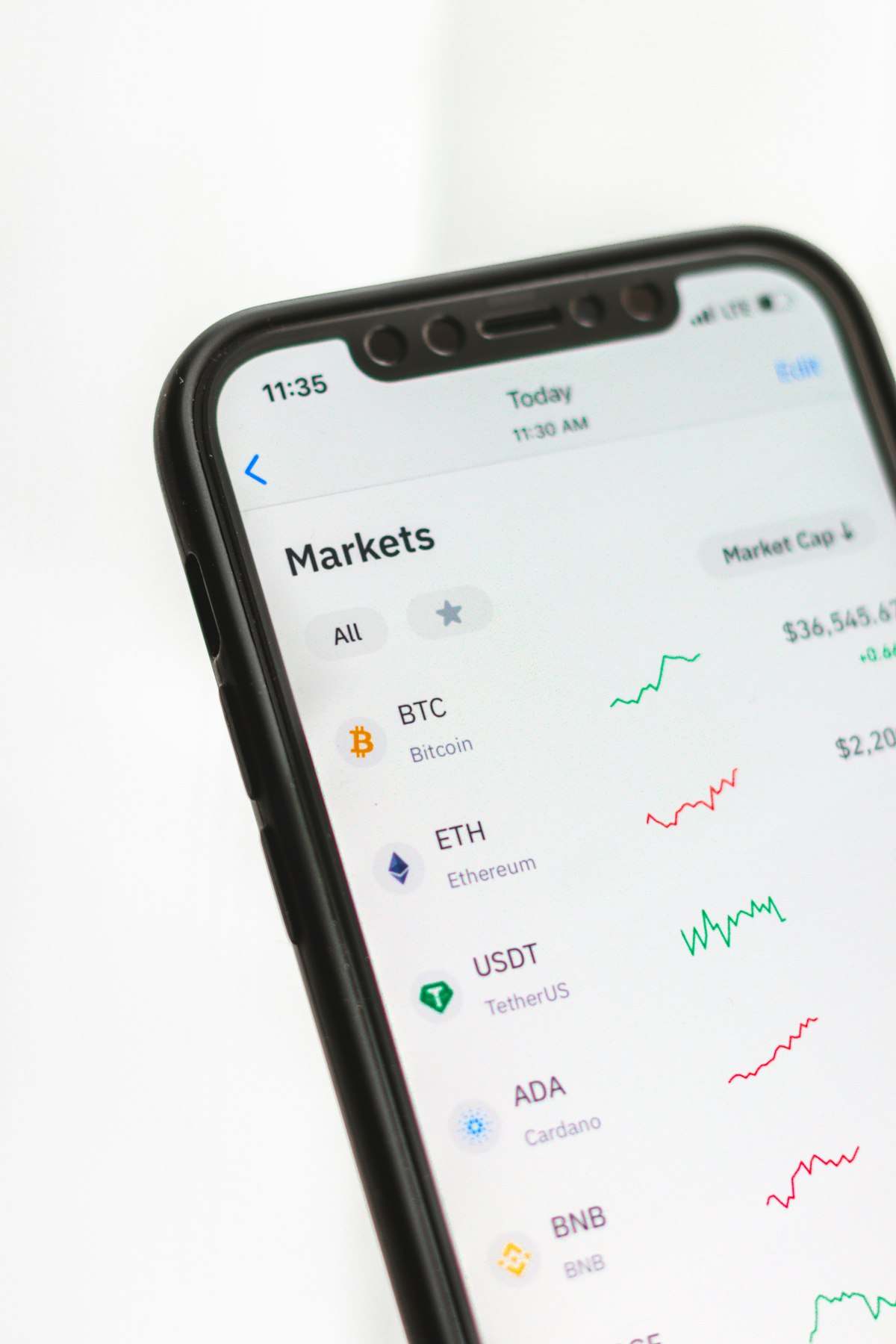
Once USDT arrives in your Binance account or Trust Wallet connected to Binance, you can sell via Binance P2P to receive local currency directly into your bank account. Select your local currency, choose a verified P2P seller with strong ratings, and complete the trade. Local currency typically arrives within 15–30 minutes of payment confirmation.
The Four Most Common Withdrawal Errors
Wrong network selected
Sending TRC-20 USDT to a BEP-20 address or vice versa. Always verify the network matches the address prefix — TRC-20 addresses start with T, BEP-20 addresses start with 0x.
Copying address with a space or truncation
Always use the copy button in your wallet app — never type addresses manually. One wrong character makes the address invalid and funds unrecoverable.
Withdrawing before cycle completes
Earnings only appear in your withdrawable balance after a full 7-day cycle completes and is credited. Attempting withdrawal before this point will show an insufficient balance error.
Sending to an exchange deposit address without checking minimum deposits
Some exchanges have minimum USDT deposit thresholds. If your withdrawal is below the exchange's minimum, the funds may be lost or held in limbo. Check minimum deposit requirements before withdrawing directly to an exchange.
The Golden Rule for Every Withdrawal
Send a small test transaction of $5–$10 USDT to any new wallet address before sending your full balance. Confirm it arrives correctly before proceeding with the full amount. This one habit eliminates the most common and most costly withdrawal errors.
Not Yet a Member? Start Your First Cycle
Register for Generation 2, activate your AI shop, and experience your first Saturday or Sunday USDT withdrawal within 7 days of cycle start.
Register — Generation 2 Open⚡ 3DXploreMarket Group Ltd — Founded 2011, Kuala Lumpur. Always verify wallet addresses before every transaction. Crypto transactions are irreversible. Support: support@3dxploremarket.com · Telegram: t.me/dxploremarketofficial